
Quick answer: Mostly no. Apple switched from Lightning to USB-C starting with the iPhone 15 in 2023, so every current iPhone now charges the same way as most Android phones. The only reason you'd still need a Lightning charger is if you're using an iPhone 14 or older, or certain older iPads and Apple accessories.
For years, owning an iPhone meant keeping a separate drawer of Lightning cables while everyone else used USB-C. Lightning was Apple's own connector, used exclusively on iPhones and iPads from 2012 right through to 2022, while USB-C was already the industry standard everywhere else, from Android phones to laptops, cameras, and games consoles. The main practical difference was compatibility: USB-C worked across brands, Lightning only ever worked with Apple. That gap has mostly closed now, but plenty of households still have a mix of old and new phones, which is exactly when this question tends to come up — usually right after someone's upgraded and realised none of their old cables fit the new phone.
Why Apple Switched to USB-C
Apple's move to USB-C wasn't really a design choice so much as a regulatory one. The EU introduced rules requiring a common charging standard across devices sold in Europe, aimed at cutting down on the pile of proprietary cables people were throwing away every time they upgraded phones, tablets, or headphones. Manufacturers had years to comply, and Apple held out on Lightning for its iPhone line longer than most other brands held onto their own proprietary connectors, but the writing was on the wall well before the rule actually came into force. Since Apple builds and sells the same hardware globally rather than making an EU-only version of the iPhone, the change effectively rolled out everywhere at once rather than staying limited to Europe, and every iPhone since the 15 has used USB-C as a result.
If you're on an iPhone 15, 16, or 17, that means a USB-C fast charger is the right call, and it's worth choosing one built for the wattage your phone can actually handle rather than just grabbing the cheapest option. Our 20W USB-C Fast Charger for iPhone 17/16/15 is built specifically around these models, so you're not guessing whether it'll actually charge at the speed the phone supports. If your existing charger's fine but the cable's frayed, loose, or just charging slower than it used to, the USB to Type-C Fast Charge Cable is a straightforward replacement without needing to buy a whole new adapter.
Choosing the Right Charger and Cable
USB-C also tends to charge faster than Lightning did at an equivalent wattage, which is part of why newer USB-C iPhones can top up quicker than older Lightning ones used to, even when the charger itself looks similar on the outside. That said, actual charging speed still comes down to two things working together: the charger's wattage and whether the cable itself is rated to carry that power. Pairing a genuinely fast charger with a basic, older cable can still leave you charging slower than expected, since the cable becomes the bottleneck rather than the plug. It's a detail that catches a lot of people out — they'll buy an expensive new charger, keep the old cable that came in the box years ago, and wonder why charging times haven't improved.
A dependable all-rounder like the 20W Fast Charger with 2M USB-C Cable covers most modern USB-C Android phones as well as newer iPhones, since the charger and cable are matched and rated to work together rather than sold separately and hoped for the best. That also makes it a sensible option for households where more than one person needs charging, since one charger can often do double duty across different devices rather than needing a separate one for every phone.
Mixed-Device Households: Old and New Phones Together
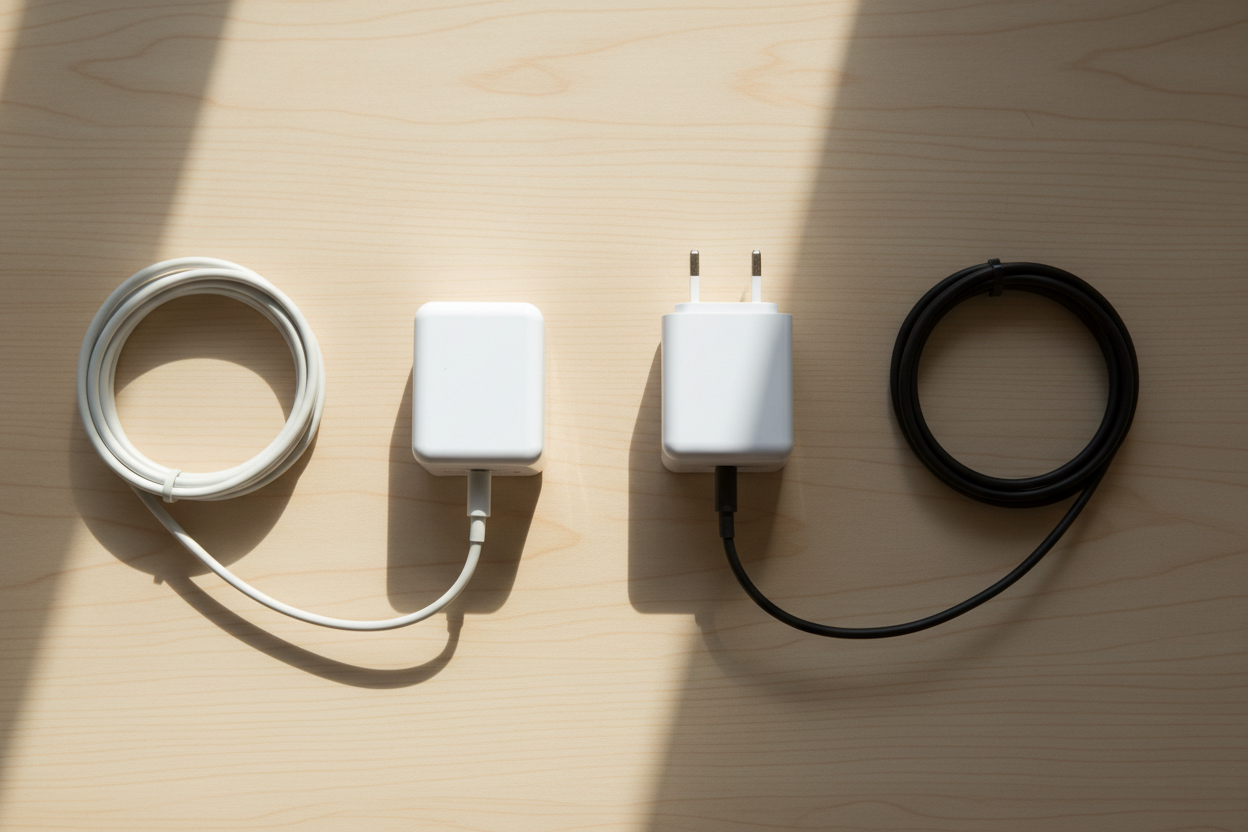
Where things get genuinely mixed is in homes with both an old and a new phone under the same roof — one family member on a newer USB-C iPhone, another still on an iPhone 14 or earlier with Lightning, and maybe a third person on an Android phone that's been USB-C for years already. Rather than juggling two or three separate charger types and losing track of which cable belongs where, it's often easier to keep a spare, standard UK plug adapter around so everyone has their own charging point regardless of which cable they're using. The UK 3-Pin Mains Charger Travel Adapter and UK 3-Pin USB Mains Charger Adapter both work well for this, since they're just the plug base and pair with whichever cable you already have, whether that's Lightning, USB-C, or micro-USB left over from an older device.
This approach tends to work out cheaper in the long run than buying a full charger-and-cable set for every family member, especially if some of those devices are only going to be around for another year or two before they're replaced anyway. It also means fewer arguments over whose charger has gone missing from the kitchen counter, since spare plug adapters are cheap enough to keep two or three scattered around the house.
Other Accessories That Change When You Upgrade
It's also worth remembering charging isn't the only accessory decision that changes when you switch phones. A screen protector cut for an iPhone 13 won't fit a 15, since the camera cutout, edges, and screen dimensions shift between generations even when the phones look similar at a glance. Older wired earphones with a Lightning connector won't work on a USB-C phone either, so an upgrade can quietly leave you without a working pair of headphones until you notice and replace them. If you've recently upgraded, it's worth checking your screen protector and earphones match your new model rather than assuming everything carries over from the last phone — something we cover in more detail across the wider Mobile Phone Accessories collection, which covers chargers, cables, screen protectors, and earphones for both USB-C and Lightning devices.
How to Check Which Connector Your Phone Actually Uses
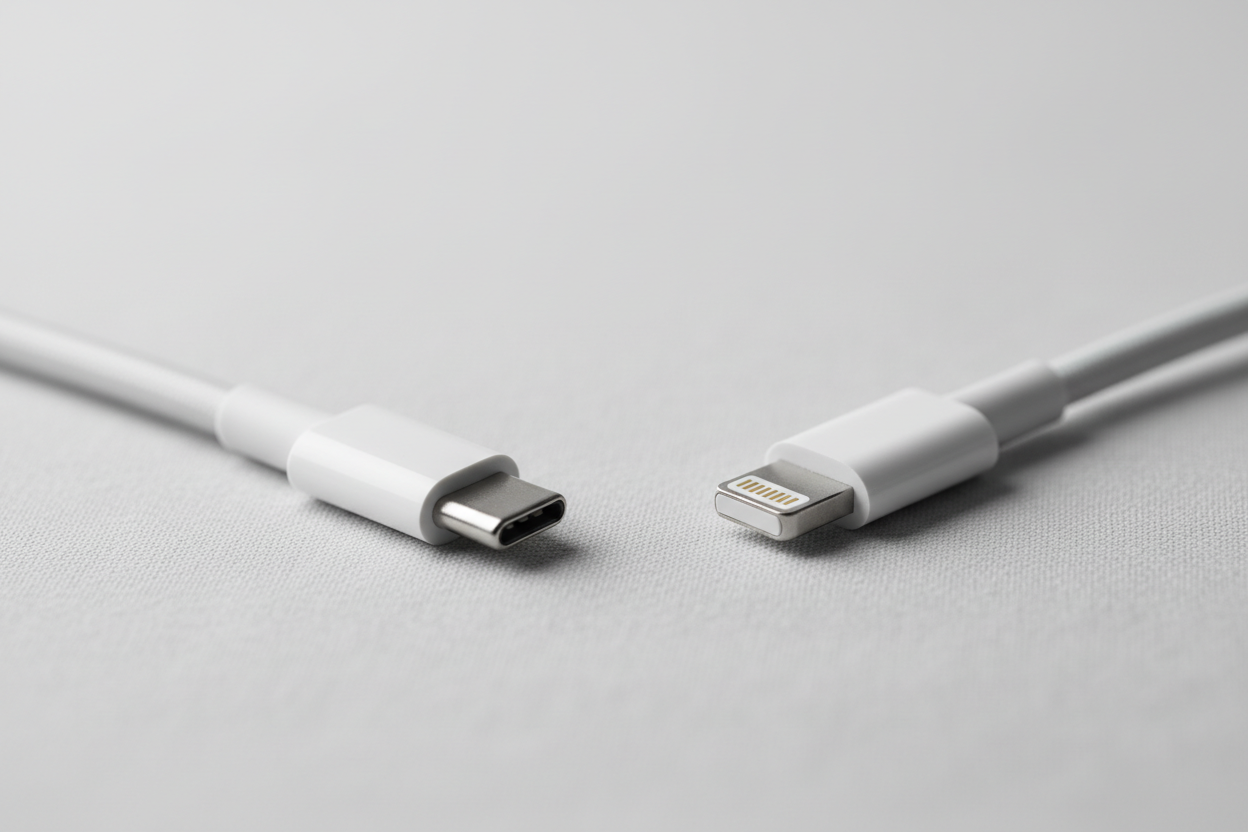
If you're not certain which connector your phone needs, the simplest way to check is to look at the port itself: Lightning ports are a small, flat oval shape, while USB-C ports are a slightly wider oval with a symmetrical opening that allows the cable to go in either way up. iPhone model numbers are also listed under Settings, General, About, so checking there before ordering an accessory is a quick way to avoid buying the wrong cable or protector, particularly if you're buying for someone else or replacing something without the phone in front of you.
Frequently Asked Questions
Do I still need a Lightning charger in 2026? Only if you're using an iPhone 14 or earlier, or an older iPad or Apple accessory that hasn't switched to USB-C. Every iPhone from the 15 onward uses USB-C, so newer devices no longer need a separate Lightning cable at all.
Can I use an Android USB-C charger on my iPhone? Yes, if your iPhone is a 15 or later. USB-C is a universal standard, so a USB-C charger and cable will work across Android phones and newer iPhones alike, provided the charger's wattage suits your phone.
Why did Apple stop using Lightning? Apple switched to USB-C mainly in response to EU regulation requiring a common charging standard across devices, aimed at reducing electronic waste from proprietary cables that get thrown away with every upgrade.
Is USB-C faster than Lightning? USB-C generally supports higher charging speeds than Lightning did, though actual speed depends on the wattage of the charger and whether the cable is rated for fast charging rather than the connector type alone.
Will my old Lightning cables still be useful? Only for older iPhones (14 and earlier) and select older Apple accessories. If everyone in your household has moved to newer devices, Lightning cables are largely redundant and can be kept as a backup rather than thrown away.